
Getting Started
Welcome to BOSSS!
This guide will help you get started quickly by walking you through the initial setup steps.
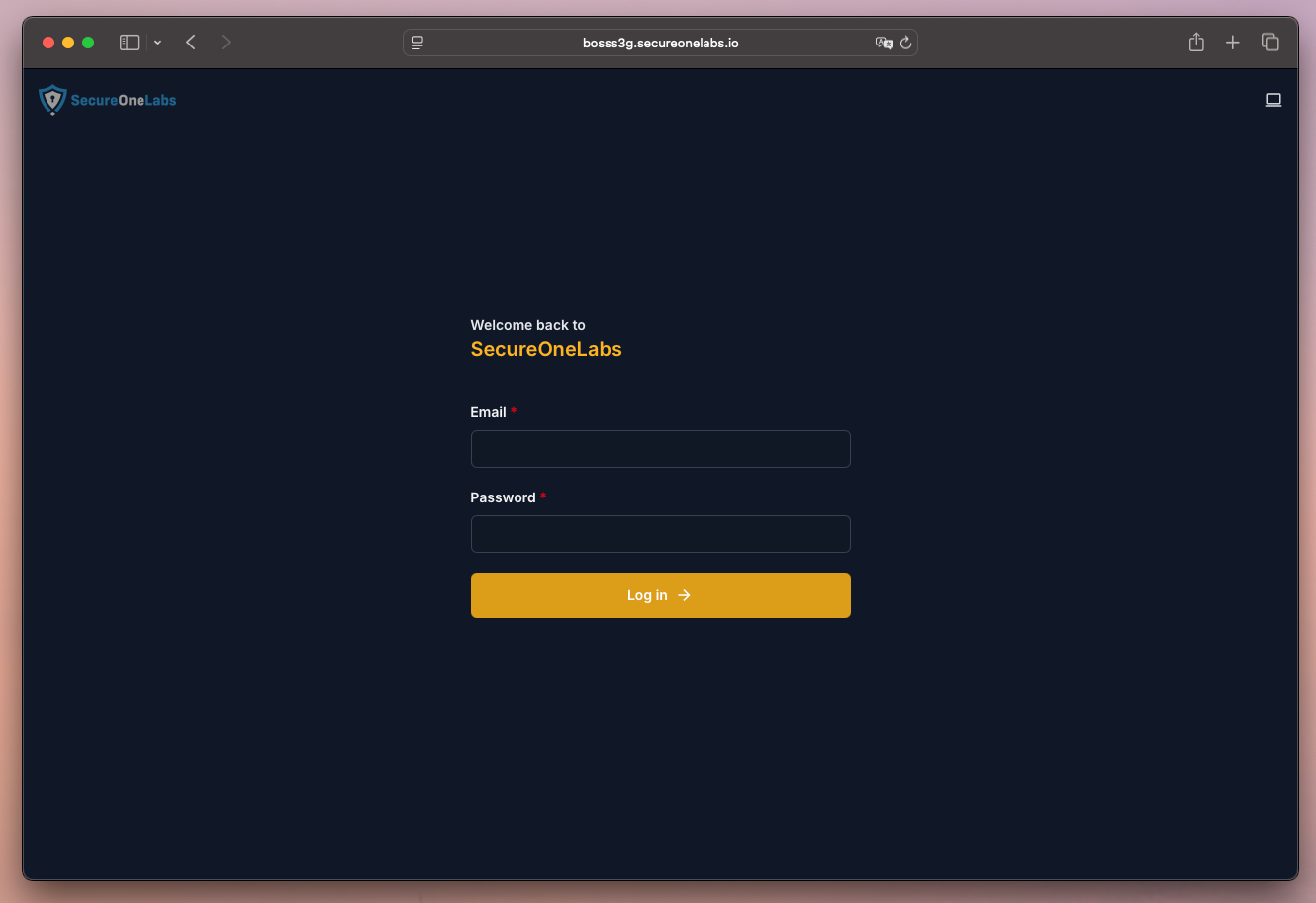
1. Login
Begin by logging into the BOSSS platform using your assigned credentials.
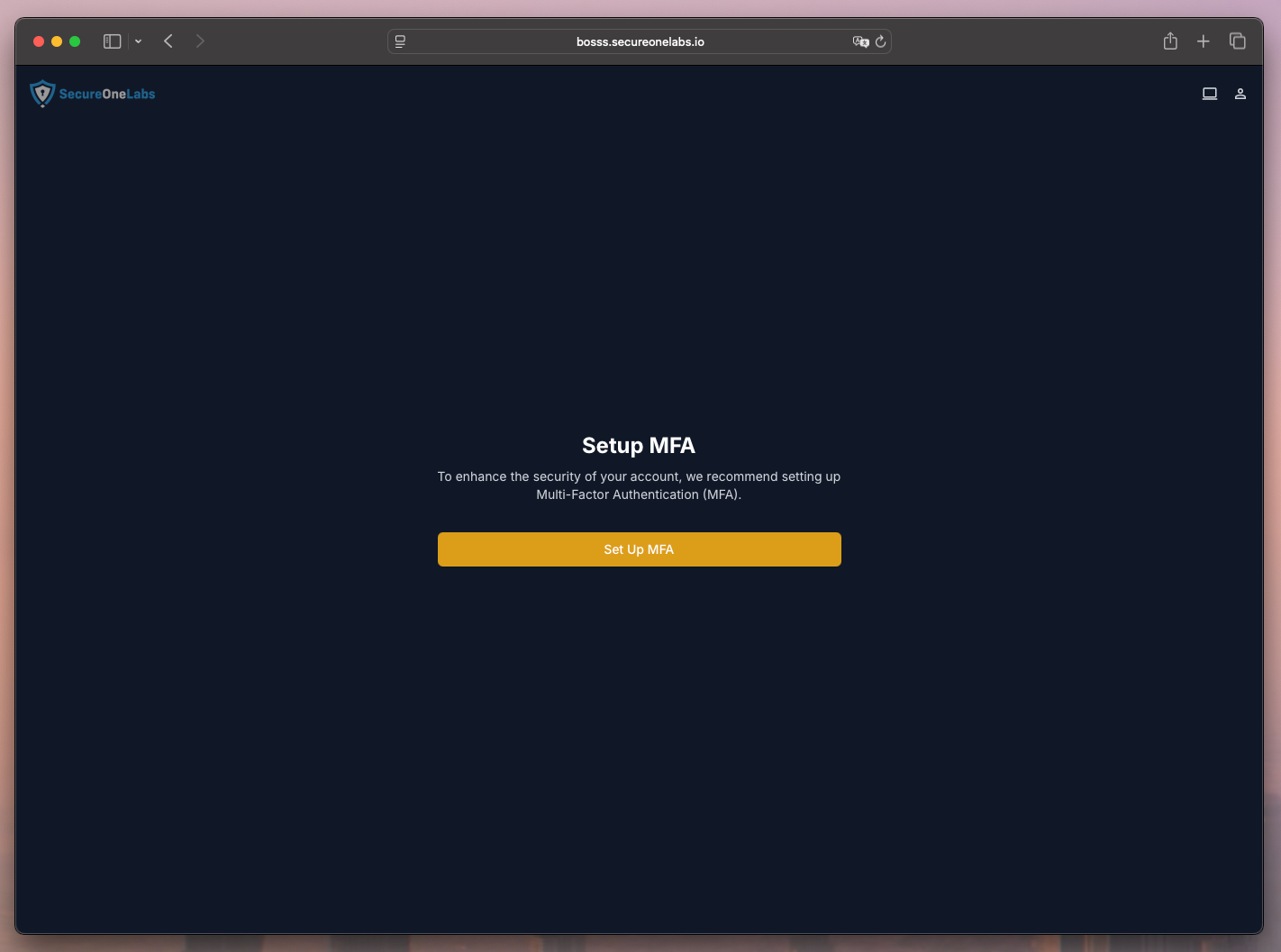
2. Setup Multi-Factor Authentication (MFA)
Once logged in, you will be prompted to configure Multi-Factor Authentication (MFA).
This is required to ensure secure access to the platform.
3. Create Your Entity Record
Entities are the foundation of BOSSS (organizations, departments, units, vendors, etc.).
Creating your first Entity record will establish the base for your data and access controls.

Next Steps
- Explore the Concepts section to understand Entities, Environments, and Hierarchies.
- Continue to the Build section if you're a developer integrating BOSSS.
- Review platform settings to customize your risk and compliance environment.